

- UI
- CLI
On the overview page click âDownload Installation Mediaâ button on the right.Select the list of extensions you want to be installed on the machine, Talos version and installation media type:
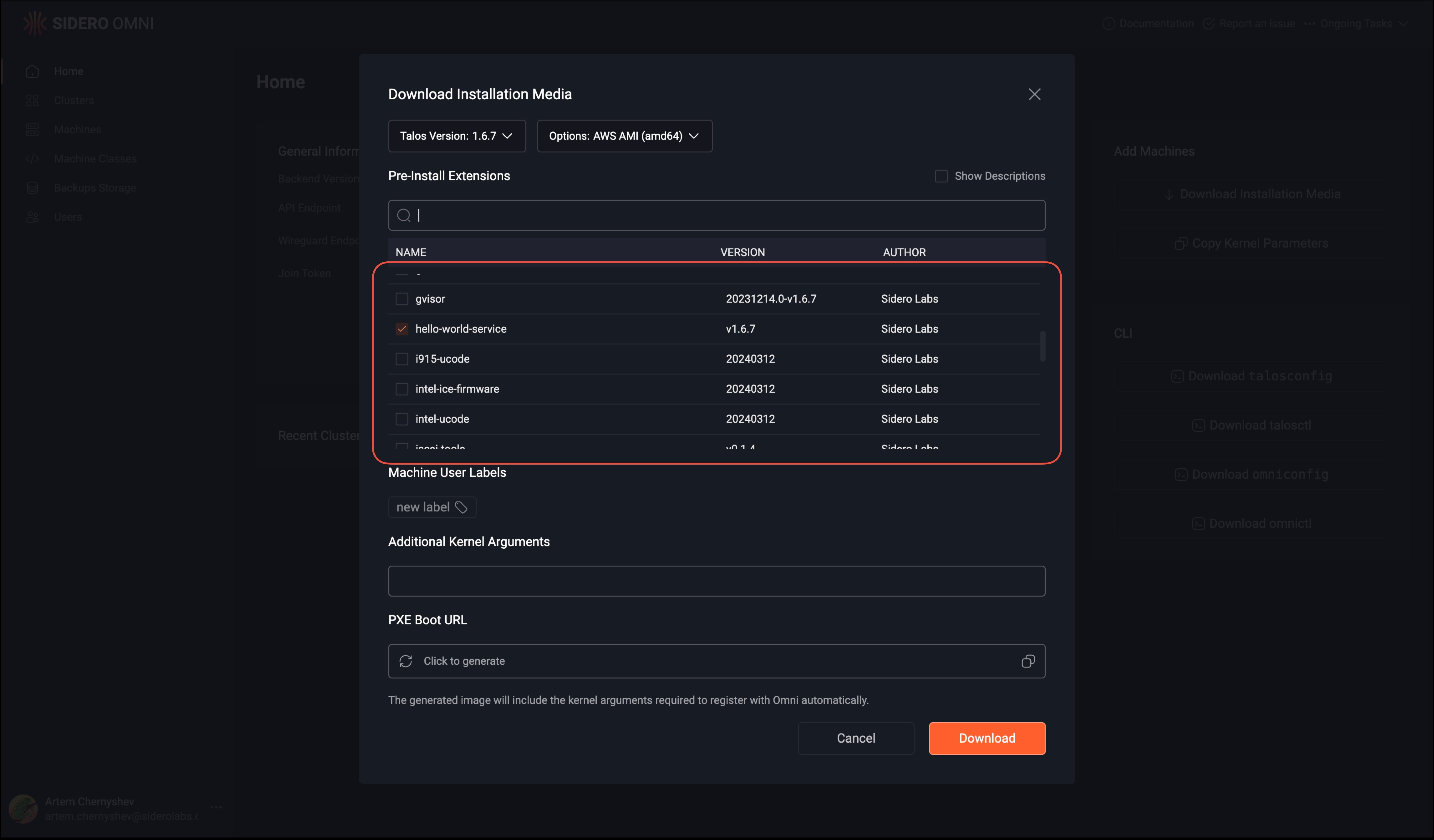
Click âDownloadâBoot the machine with that installation media. It will have all extensions installed.You can also add, remove or modify the extensions on an existing machine in a cluster by navigating to the âNodesâ view in a cluster, clicking on a machine, selecting the Extensions panel, then select âUpdate Extensionsâ to add or remove extensions.